How AR for Pre-Construction Walkthroughs Brings Blueprints to Life
Shortcut Summary: This article explains how AR for pre-construction walkthroughs helps architects, developers, and clients visualize a project before it’s built—leading to faster approvals, fewer surprises, and better collaboration.
Pre-construction is a high-stakes phase. It’s where design intent meets the physical site—and where expectations must align across multiple teams. But even with high-quality 2D drawings and 3D models, stakeholders often struggle to grasp how the final space will feel. That disconnect can lead to unclear feedback, missed opportunities, or costly redesigns.
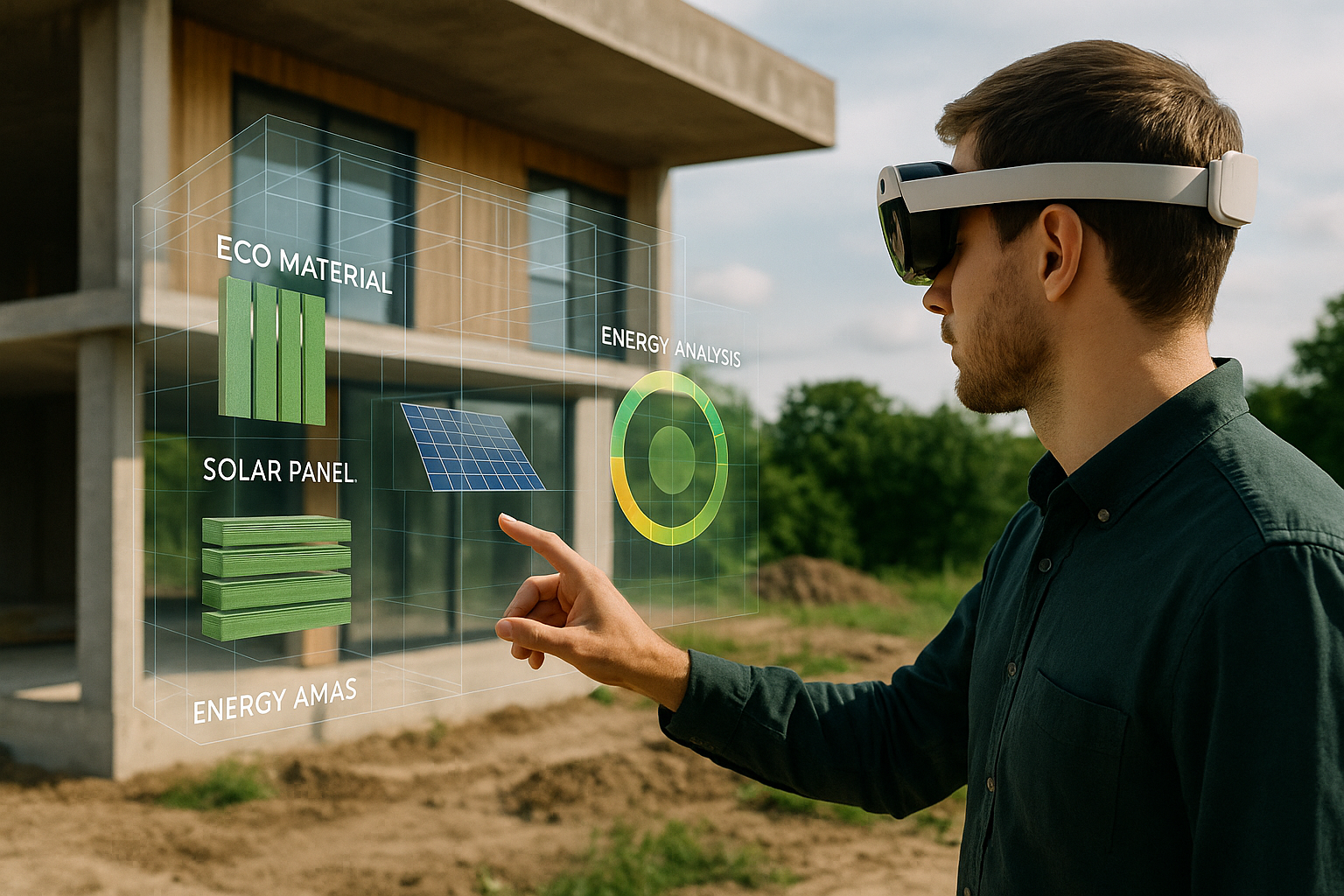
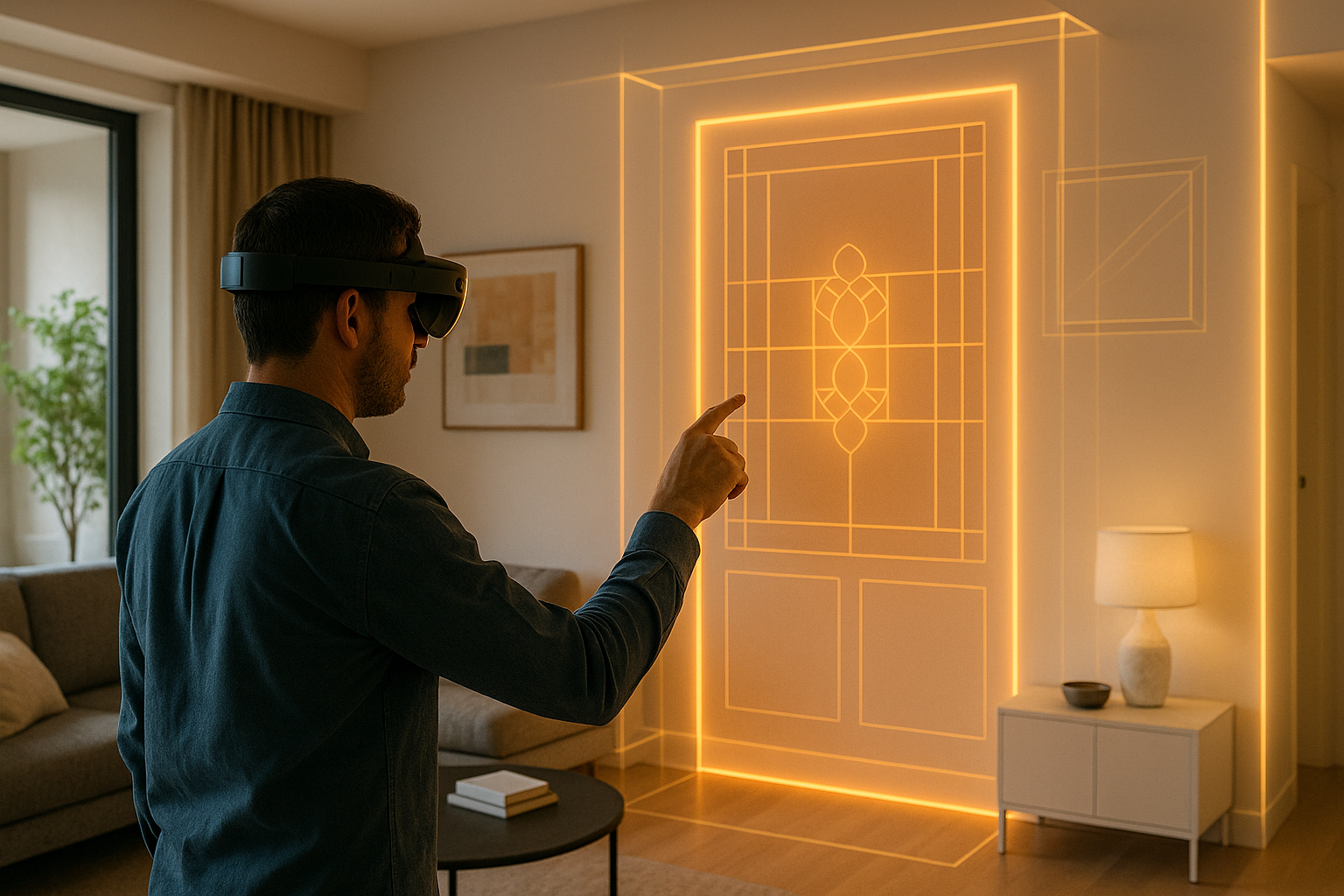
Now, imagine letting your clients walk through their future building—before you’ve broken ground. That’s the power of AR for pre-construction walkthroughs. By overlaying architectural models directly onto the site, Augmented Reality transforms abstract blueprints into immersive experiences. It gives clients, contractors, and investors real spatial insight—where and when it matters most.
Why Pre-Construction Walkthroughs Matter
The earlier stakeholders align, the better. Misinterpretations in early phases snowball into expensive corrections later. Traditional presentations (slideshows, renders, PDF markups) are helpful, but they rely on abstract understanding. And not everyone—especially non-technical stakeholders—can visualize a design from paper or screen alone.
AR fixes that. It brings the future into the present, on the actual site, in true scale. By walking through a space that hasn’t been built yet, decision-makers can see exactly what they’re approving.
How AR for Pre-Construction Walkthroughs Works
Using a platform like AUGmentecture, here’s how teams conduct AR walkthroughs on-site:
- Export the 3D Design: Create your building model in tools like Revit or SketchUp.
- Upload to AR Platform: The model is then uploaded and optimized for mobile AR.
- Anchor the Model On-Site: Use markers, GPS, or LiDAR to place the design in its real-world context.
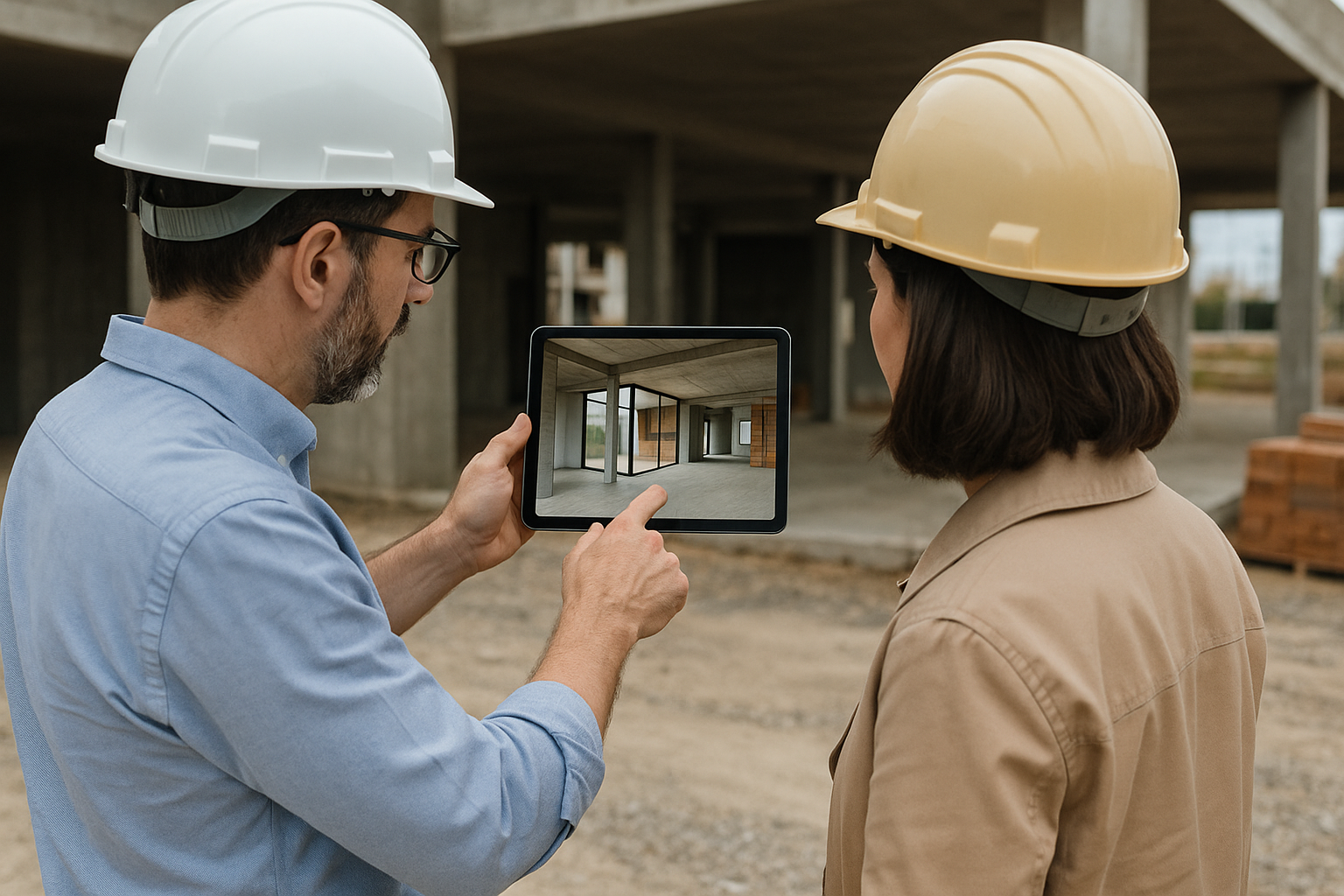
- Conduct the Walkthrough: Clients and stakeholders walk through with a tablet or phone, exploring everything from layout to elevation to circulation flow.
Unlike VR, there’s no headset isolation. AR keeps users grounded in the real environment, helping them compare the future structure to current conditions like grade, sun path, or nearby buildings.
Case Study: Mixed-Use Development in Vancouver
A Vancouver-based architecture firm used AR pre-construction walkthroughs for a downtown mixed-use project. The design included retail, office, and residential spaces across multiple levels. Rather than only sharing renders, the team invited key stakeholders to walk the actual site—overlaying the 3D model in AR.
This on-site AR experience highlighted key concerns early, such as how signage would appear from the sidewalk, or how a rooftop patio would affect privacy in neighboring units. Instead of addressing these late, the firm refined the design immediately and secured client buy-in two months faster than their average timeline.
Top Benefits of AR in Pre-Construction
- Immediate Spatial Understanding: View structures at scale and in context.
- Faster Client Approvals: Clients approve with confidence after immersive review.
- Fewer Revisions: Issues are caught early before they become costly.
- Contractor Insight: Helps site teams visualize build phases and plan staging.
- Stakeholder Alignment: Developers, tenants, and regulators all understand the design vision clearly.
Best Practices for Pre-Construction AR Walkthroughs
- Schedule Walkthroughs During Key Milestones: Schematic design, DD, or pre-permit phases are ideal.
- Prep the Site: Ensure a clear area with good lighting and minimal distractions.
- Keep the Model Lightweight: Focus on major geometry, massing, and key design features to ensure smooth performance.
- Guide the Client: Provide simple prompts or printed floor plans to enhance spatial understanding during the AR session.
Who Benefits Most From Pre-Construction AR?
While everyone in a project gains from better visualization, these roles benefit most:
- Architects: Confirm design intent is clearly understood before signoff.
- Clients: Experience their future home, office, or facility and make smarter choices.
- Contractors: Visualize building volumes for logistics, access, and safety planning.
- Municipal Reviewers: Understand the impact of new construction on public view corridors, shading, or massing.
Remote Participation with AR
Even if a stakeholder can’t be on-site, they don’t have to miss the walkthrough. Teams can record or stream the AR session, share annotated screenshots, or allow offsite access to the model through cloud platforms. This makes it easier to include international partners or absentee investors early in the process.
AR and Early Buy-In: A Competitive Advantage
In competitive development markets, early approvals and confident stakeholders are critical. AR walkthroughs shorten decision cycles and reduce doubt. That means less back-and-forth during entitlement, stronger fundraising pitches, and quicker starts.
Architects who offer AR experiences at the proposal stage also stand out. Clients perceive them as forward-thinking, transparent, and collaborative. This emotional value is hard to measure but consistently leads to more referrals and retained clients.
The Future: AR + Simulation in Pre-Construction
Looking ahead, AR will become more dynamic. Instead of static models, teams will explore designs with real-time environmental data: sun angles, wind paths, or even crowd movement simulations. Combined with AI, future AR could even recommend design improvements during a walkthrough based on building code or energy performance data.
Pre-construction walkthroughs will move from novelty to necessity—and firms using AR today are setting the standard for tomorrow.
Conclusion: Experience Before You Build
AR for pre-construction walkthroughs turns design into experience. It empowers stakeholders to walk, feel, and question designs in ways that blueprints and renders never could. And when people understand a space before it’s built, they make better choices—with fewer regrets.
Whether you’re designing a home, campus, or skyscraper, AR brings clarity, confidence, and momentum to every project kickoff. Tools like AUGmentecture make this possible without major tech overhead—just better results, faster.